
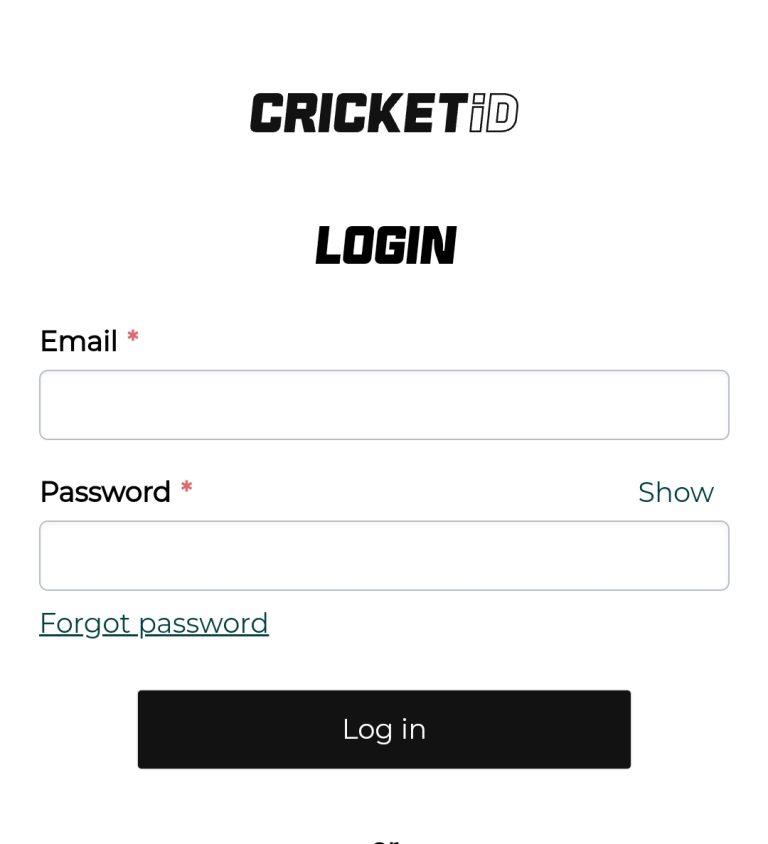
Goexch9 Login – Sign In to Your Goexch9 ID
Already have a Goexch9 ID? Signing in takes less than a minute once you know where each detail goes. This page walks through the login on mobile and desktop, explains the errors people hit most often, and shows how to keep your ID safe. If you have not been issued an ID yet, start with the Goexch9 registration steps and come back here afterwards.
How to Log In Step by Step
- Open the panel link sent by support. It comes in the same WhatsApp chat where you received your ID. Bookmark it, so you are not searching for it on match day.
- Type your username exactly as given. Capital letters and numbers matter. Copying and pasting from the chat avoids most mistakes.
- Enter the password and submit. On the first login you will usually be asked to set a new password. Choose one you do not use anywhere else.
- Check your balance and exposure. Both are shown at the top of the panel. If the balance looks wrong, message support before placing a bet.
Logging In on a Phone
Most players use Goexch9 on a phone browser. Chrome on Android and Safari on iPhone both work well. Add the panel to your home screen from the browser menu and it opens like an app, with no download needed. Avoid APK files passed around in Telegram groups. They are the most common way IDs get stolen.
Goexch9 Login Not Working? Try These First
- Wrong username or password: Check for a space at the end when you paste. After several wrong attempts the ID may lock for a short time.
- Page will not load: Switch between Wi-Fi and mobile data, or clear the browser cache. Domain links are changed from time to time, so ask support for the current one.
- Logged out again and again: Someone else may be using your ID. Change the password immediately and tell support.
- Forgot the password: Message support from your registered number with your username and request a reset.
We keep a longer troubleshooting list in our guide on what to do when the Goexch9 login is not working.
What About the Goexch9 Admin Login?
Many people search for a Goexch9 admin login or an admin password. The admin and master panels are meant for agents who manage player IDs, and those details are only issued to them directly. A regular player never needs admin access. Anyone offering to sell an admin password is running a scam.
Keeping Your ID Safe
- Never share your password, OTP or UPI PIN, even with someone who claims to be from support.
- Log out after using a shared phone or a cyber cafe computer.
- Change the password every few weeks and straight after any suspicious activity.
- Only deal with the WhatsApp contact listed on our contact page.
Login FAQs
Can I use one ID on two phones?
Yes, but not at the same moment. A second login normally ends the first session.
Is there a demo ID?
Ask support. Demo access is sometimes given, so you can look around the panel before you deposit.
Who can log in?
Only the person the ID was issued to, and only adults aged 18 or above. Please bet responsibly.